Black Friday 2026
10TB Hard Drive Black Friday Deals UK 2026
Prices checked
Amazon UK’s 2026 Black Friday sale runs from 19 to 30 November. Black Friday is 27 November. Prices below come from the latest available listing checks.
As an Amazon Associate we earn from qualifying purchases. Prices and availability come from Amazon.co.uk as of the last update and may change.
A 10TB hard drive sits in an awkward but useful middle ground for home and small office storage. The key buying question is not only which 10TB model to pick, but whether you should buy one drive, two drives for a mirror, or keep a spare on the shelf. A second drive in a mirror keeps the array running through one disk failure. A spare on the shelf helps you replace a drive more quickly, and you still need a separate copy to restore data from a failed single disk. Before you decide, check the exact interface, form factor, recording type and NAS compatibility on the manufacturer page and in the Amazon listing, because 10TB drives are often sold in both desktop and NAS-specific variants.
Matching Amazon UK listings


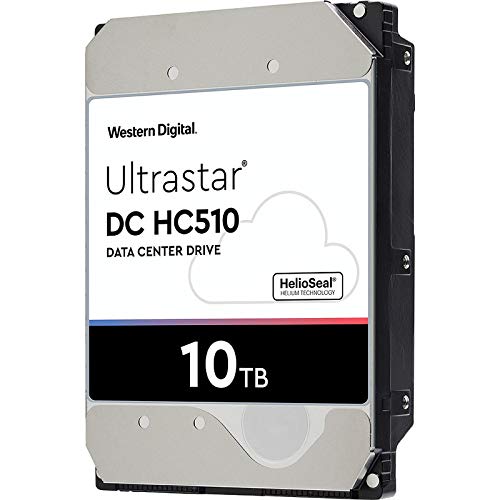
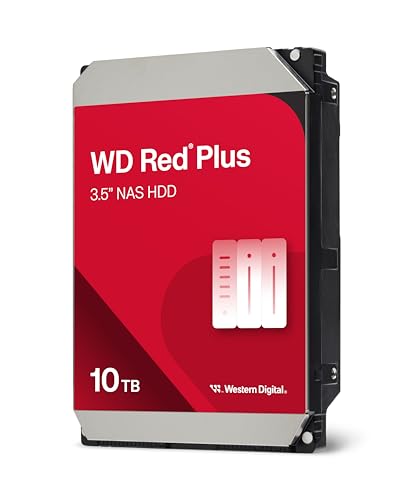


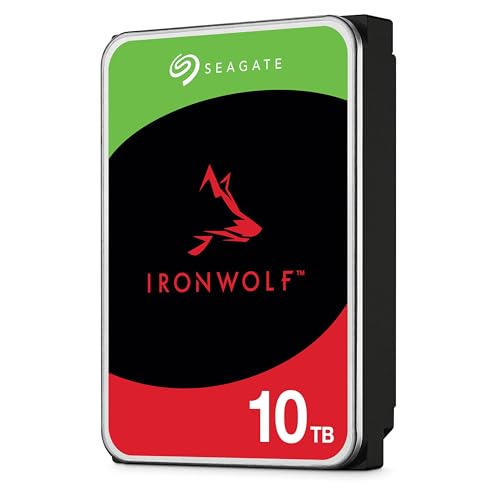


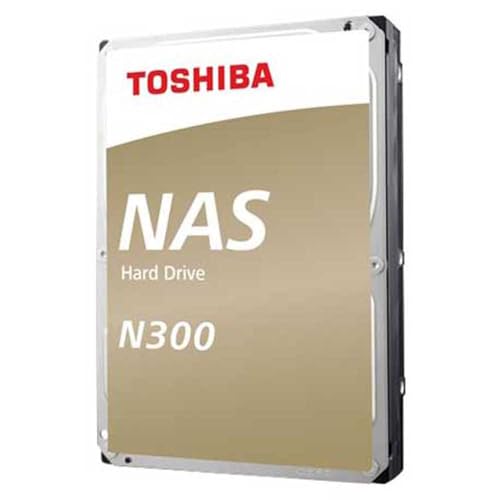


The listing’s condition and last check are shown on each row. Prices and availability may change at checkout.
Is it really a deal?
13 listings are at or near our recorded low. We compare the same Amazon listing and condition against earlier prices we recorded. Near our low means within 3% of that low. An Amazon reference price shows the retailer’s comparison figure. Check the retailer for any current promotion or access requirements.
Mirror now or spare later
A two-drive mirror is the simplest way to protect data if one drive fails. In a NAS, that usually means RAID 1 or a vendor equivalent, where the usable capacity is about half of the installed total, so two 10TB drives typically give roughly 10TB of usable space before formatting overhead. The tradeoff is obvious: you pay for two drives up front, but you get continuous redundancy and can keep working while one drive is replaced.
A spare drive costs less to store than to install. If you buy one 10TB drive and keep another unused, you are reserving capacity for a future failure, not protecting yourself today. That can make sense if budget is tight and you already back up elsewhere, or if your NAS only needs one active disk for now. The risk is that if the first drive fails before the spare is fitted, the data remains exposed until you complete the replacement and rebuild. For most people with important files, the mirror is the safer default. For people with a separate backup routine and low tolerance for upfront cost, a spare may be acceptable.
A practical example helps: if your main use is family photos, shared work documents or media that would be painful to rebuild, a mirror is usually easier to justify than buying a single drive plus hoping the spare arrives in time. If the drive mainly holds replaceable downloads or a secondary copy of less critical material, a spare may be enough while you save for a second active disk.
Check what kind of 10TB drive you are actually buying
Not every 10TB hard drive is intended for the same job. Before comparing price, confirm whether the drive is a 3.5-inch SATA model for a desktop or NAS enclosure, or something else entirely. NAS usage usually points you toward 3.5-inch SATA drives, but the listing should make that clear. Also check rotational speed, cache size and whether the drive is described as NAS, desktop, surveillance or enterprise. These labels are not just marketing terms: they can indicate different firmware, workload assumptions and noise levels, but you should verify the details from the official specifications rather than assume.
If the listing mentions CMR or SMR, pay attention. For NAS use, CMR is generally the safer choice because it tends to behave more predictably during sustained writes, rebuilds and parity calculations. If the spec sheet does not state the recording method, look it up on the manufacturer site or in the detailed product data before committing. The same caution applies to helium-filled designs, multi-actuator claims, or any feature that sounds attractive but is not clearly documented for that exact model number.
Interface matters too. Most consumers will want SATA, while SAS is usually only relevant if you already have a SAS controller or a server-class backplane. A 2.5-inch SAS drive is a different category and is not a substitute for a typical 10TB home NAS drive. If your enclosure only accepts 3.5-inch SATA drives, a technically good drive is still the wrong buy if it does not physically fit or connect properly.
Cost tradeoffs at 10TB
At this capacity, the value question is not simply pounds per terabyte. It is the cost of capacity plus the cost of resilience. One 10TB drive gives you the cheapest path to adding space, but no drive-level protection. Two 10TB drives in a mirror roughly double the drive spend, yet they also reduce the disruption caused by a single disk failure. In other words, you are paying for continuity as well as storage.
A spare drive can look cheaper on paper because you are only buying one active disk now, but the real cost shows up later. If the spare sits unused, your storage budget is locked up in an item that does not improve day-to-day safety. If you instead buy two drives together, you can mirror immediately and avoid the awkward period when the main drive is doing all the work. For many buyers, that is worth the extra outlay. For others, especially those with strong backups and modest data growth, the spare-first approach keeps the budget under control.
It is also worth comparing 10TB with nearby capacities. A 12TB, 14TB or 16TB drive may offer better value per terabyte if the price difference is small, especially when you are already paying for a NAS bay and power. On the other hand, a 4TB drive is usually only worth considering if your needs are light and you are deliberately keeping the spend low. If you are shopping a price-tracking page, use the history to see whether the 10TB option is being priced close to the next step up, because the better buy is often the one with the larger capacity gap rather than the lowest sticker price.
When a different drive type is the better choice
Choose a 10TB hard drive if you want a straightforward balance of cost and capacity for a small NAS, backup box or general-purpose storage pool. Choose a larger sibling, such as 12TB to 24TB, if you expect your library to grow and you would rather fill bays more slowly. Fewer drives can mean simpler management, less cable clutter and fewer moving parts, but only if the NAS, controller and budget support the larger capacity.
A 2.5-inch SAS hard drive is only the better choice in a server or enterprise setup that is already designed for SAS. For most home users, it adds complexity without benefit. Likewise, if you only need one external drive for manual backups, a DAS or USB enclosure may be simpler than building a NAS. NAS makes sense when multiple users, automatic backups, remote access or always-on storage justify the extra hardware and setup cost.
Finally, verify the practical details before ordering. Check the drive height, the supported power connectors, whether your NAS vendor approves the exact model family, and whether your system can rebuild a mirrored array with the size you choose. These checks are more important than broad product labels, because two drives with the same nominal capacity can still behave differently once they are installed in a real enclosure.
Frequently asked questions
Is a mirrored pair better than one 10TB drive plus a spare?
For most buyers, yes. A mirror protects your data immediately if one drive fails, while a spare only helps after you have installed it. A spare is mainly useful if you already have backups and want to delay the extra spend.
What specs should I verify before buying a 10TB drive?
Check the exact model number, form factor, interface, recording type, and whether the drive is intended for NAS, desktop or enterprise use. Confirm the details on the manufacturer site and in the full listing rather than relying on the headline title.
Should I pick SATA or SAS for a 10TB drive?
SATA is the usual choice for home NAS and desktop storage. SAS is only sensible if your enclosure or controller is built for it. A SAS drive is not a universal upgrade and may not fit or connect in a normal NAS bay.
When should I buy a bigger capacity instead of 10TB?
If the price gap to 12TB, 14TB or 16TB is small, a larger drive may be better value per bay and can delay the next upgrade. If your budget is tight or your storage needs are stable, 10TB can still be the sensible midpoint.