Black Friday 2026
12TB Hard Drive Black Friday Deals UK 2026
Prices checked
Amazon UK’s 2026 Black Friday sale runs from 19 to 30 November. Black Friday is 27 November. Prices below come from the latest available listing checks.
As an Amazon Associate we earn from qualifying purchases. Prices and availability come from Amazon.co.uk as of the last update and may change.
A 12TB hard drive makes sense in two different buying situations: replacing a failed disk in an existing NAS pool, or buying a larger replacement for future growth so you do not have to repeat the upgrade soon. The right choice depends less on the number on the box and more on whether the drive matches your NAS, your RAID layout, and the way you plan to expand. If you need a like-for-like swap, match the capacity and interface the array already expects. If you are planning ahead, it can be worth stepping up to 14TB, 16TB, 18TB or beyond, provided your enclosure, controller and rebuild process can handle the change. Check the manufacturer’s compatibility list, the drive’s recording type, its interface, and any guidance on NAS use before you buy.
Matching Amazon UK listings


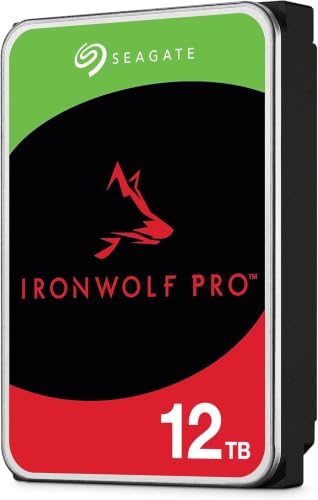


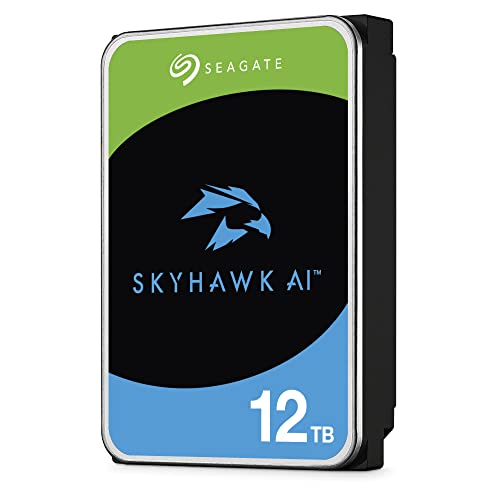


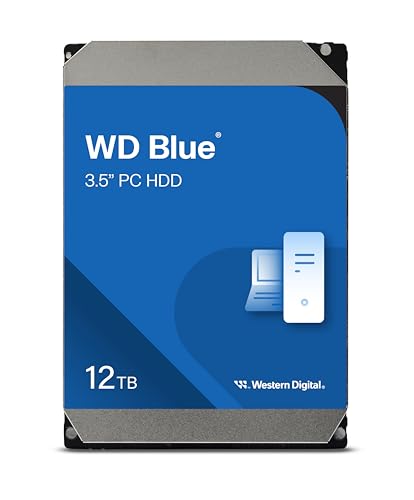


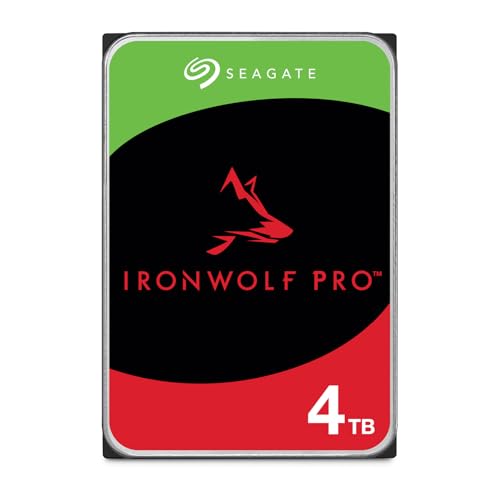


The listing’s condition and last check are shown on each row. Prices and availability may change at checkout.
Is it really a deal?
8 listings are at or near our recorded low. We compare the same Amazon listing and condition against earlier prices we recorded. Near our low means within 3% of that low. An Amazon reference price shows the retailer’s comparison figure. Check the retailer for any current promotion or access requirements.
1) Start with the job: replacement now, expansion later
If a disk in an active pool has failed, the safest choice is usually a 12TB replacement that closely matches the existing drive class. That reduces the chance of odd behaviour during rebuilds and avoids wasting capacity by mixing very different sizes. In many home and small office NAS setups, replacing one failed drive with the same size is the simplest route.
If your aim is to expand the pool over time, a larger drive can be better value in the long run. For example, moving from 12TB to 16TB or 18TB means the extra space is already there when you later replace the remaining disks. That approach works best when your NAS supports larger capacities and your RAID or storage pool software can use the added size efficiently.
The tradeoff is immediate cost versus future flexibility. A 12TB drive is the conservative choice for a straight replacement. A bigger drive is the forward-looking choice, but only if you are ready to accept that some of its capacity may be unused until the rest of the array catches up.
2) Check NAS compatibility before focusing on capacity
Not every hard drive suits every enclosure. Before buying, confirm the drive family is supported by your NAS vendor or controller manufacturer. Many NAS brands publish compatibility lists that name tested models and maximum supported sizes. These lists are the best place to start, especially if your array is business-critical or difficult to rebuild.
Also verify the interface. Most consumer and small NAS bays use SATA, while SAS appears more often in rackmount or server gear with the right controller. A 2.5-inch SAS hard drive may be a better fit for some enterprise systems, but it is not a drop-in choice for a typical SATA NAS unless the backplane and controller support SAS.
If you are unsure, look up the exact model number on the manufacturer’s product page and compare it with the NAS documentation. You want the interface, form factor, rotational class and intended use to line up with the enclosure. That matters more than whether the drive is branded for desktop or NAS use.
3) How to choose between 12TB and larger alternatives
A 10TB hard drive can still make sense when you are replacing an older pool and do not want to change the overall storage plan. It is usually the more cautious option if the existing array is sized around that capacity, but it gives you less room to grow.
A 14TB or 16TB drive is often the sweet spot when you want a small step up from 12TB without jumping too far in cost or unused space. These sizes suit users who expect the pool to grow, but still want a practical replacement for a single failed disk. If your NAS is close to full, the extra headroom can be more useful than an exact match.
An 18TB, 22TB or 24TB drive is better when you are deliberately planning a longer upgrade cycle or moving to fewer, larger disks. That can reduce bay count pressure later, but it also means a bigger gap between installed capacity and what the current array can use until other drives are replaced. Make sure your NAS and RAID plan can accept that progression before paying for the extra space.
A 4TB drive is only sensible as a temporary or budget-focused option in a mixed setup. It may be too small for a modern replacement in a capacity-heavy pool unless you are maintaining a very old array or using it for a separate, less demanding task.
4) RAID behaviour, rebuilds and real-world storage planning
In RAID or similar pooled storage, the smallest drive often sets the usable size of each member drive during rebuild or parity calculation. That means a larger replacement is not always fully used right away. For example, putting a 16TB drive into an array built around 12TB disks may not unlock all of the extra space until you replace more than one member or expand the pool in the NAS interface.
This is why the upgrade path matters. If you want to keep the current pool stable, stick to 12TB. If you want to phase in more capacity, buy larger drives with the plan to replace them one by one over time. Do not assume a single larger disk will instantly transform the whole array.
Also think about rebuild time and risk. Bigger drives can take longer to rebuild in practice, because the system has more data to copy or verify. That is not a reason to avoid them, but it is a reason to keep backups current and to avoid running the pool at the edge of its limits while migrating.
5) What to verify on the product page and spec sheet
Before checkout, confirm the drive’s recording type. For most NAS use, CMR is the safer and more predictable choice than SMR, especially in RAID or frequent-write workloads. If the listing does not clearly state this, check the manufacturer’s datasheet rather than guessing.
Verify the physical form factor and interface, then check whether the drive is intended for NAS, surveillance, desktop or enterprise use. Those labels are not just marketing. They often indicate the workload assumptions, vibration tolerance and firmware behaviour the manufacturer had in mind. You do not need to memorise every detail, but you should confirm the model is meant for the role you are buying it for.
Finally, compare noise, power draw and bay compatibility only if the manufacturer provides them. These details can matter in a home office or a multi-bay unit, but they should be checked against the official specification and the NAS listing, not inferred from capacity alone. If the goal is a replacement, model matching and compatibility matter more than chasing a bigger number.
Frequently asked questions
Should I buy the same 12TB size or move up to a larger drive?
Buy the same size if you need a straightforward replacement for an existing pool. Move up to 14TB, 16TB or more if you are planning a staged expansion and your NAS supports the larger capacity.
Can I mix 12TB drives with larger ones in the same NAS?
Often yes, but the array may only use capacity in the way your RAID or storage software allows. Check the NAS documentation before mixing sizes, especially if you want the extra space to be usable sooner rather than later.
Is a SAS hard drive a better alternative to SATA?
Only if your controller, backplane and NAS are built for SAS. For most consumer NAS drives, SATA is the correct choice. SAS is mainly for compatible server and rackmount systems.
How do I check if a 12TB drive will work in my enclosure?
Look up the exact drive model on the manufacturer’s page, then compare it with your NAS compatibility list and interface requirements. Also check that the drive is suitable for NAS or RAID use and that the form factor matches your bay.