Black Friday 2026
2-Bay NAS Black Friday Deals UK 2026
Prices checked
Amazon UK’s 2026 Black Friday sale runs from 19 to 30 November. Black Friday is 27 November. Prices below come from the latest available listing checks.
As an Amazon Associate we earn from qualifying purchases. Prices and availability come from Amazon.co.uk as of the last update and may change.
A 2-bay NAS is usually the simplest place to start if you want shared storage for a small home or home office, but the key budget mistake is buying only the enclosure. If you plan to mirror the disks, you need to cost for two drives as well as the NAS itself. For most buyers, that means deciding whether you want immediate redundancy with RAID 1 or SHR-style mirroring, or whether your storage needs are likely to grow fast enough that a 4-bay model is the better long-term buy. A 2-bay unit suits straightforward file storage, backups, media libraries and remote access. If you expect to keep adding capacity over time, or you want a more flexible RAID path, the extra bays can be worth paying for now.
Matching Amazon UK listings


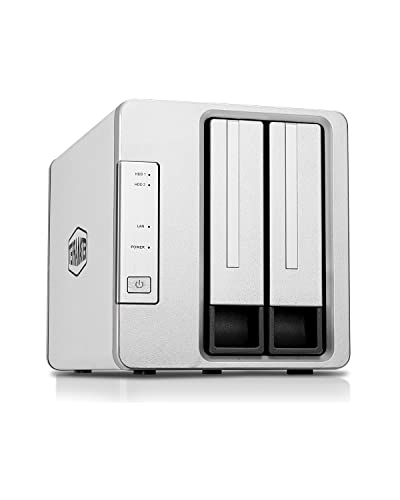

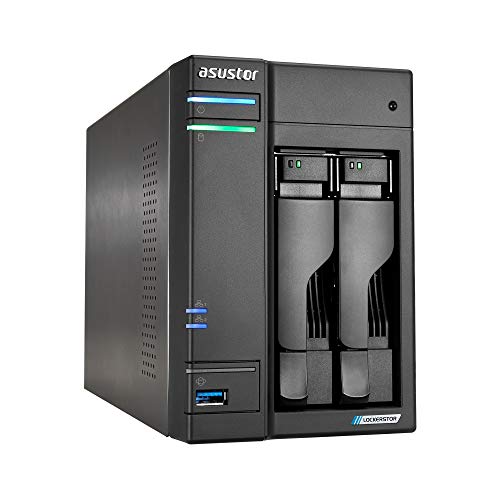


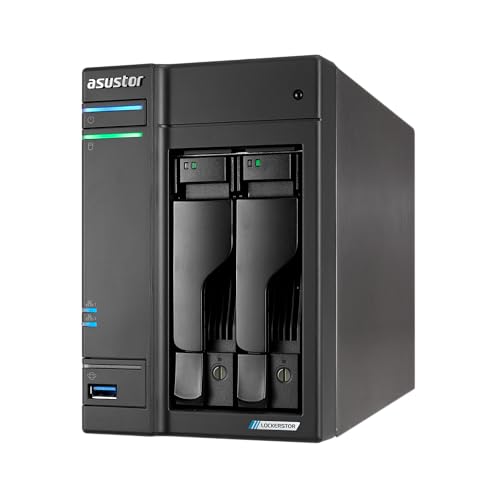
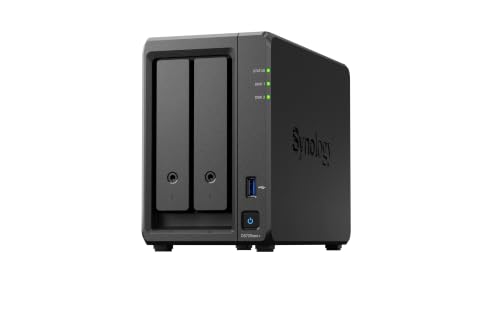


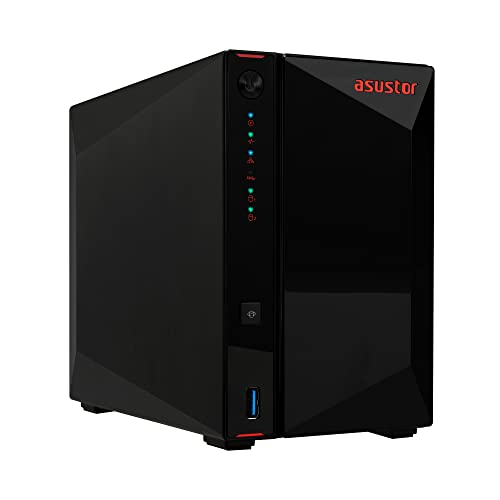
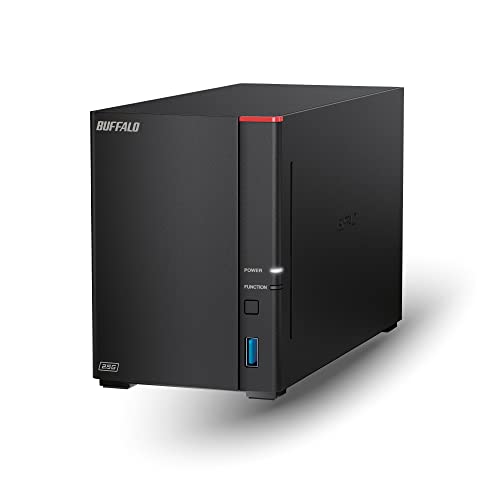


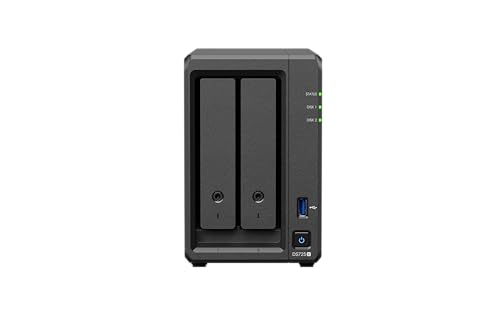

The listing’s condition and last check are shown on each row. Prices and availability may change at checkout.
Is it really a deal?
16 listings are at or near our recorded low. We compare the same Amazon listing and condition against earlier prices we recorded. Near our low means within 3% of that low. An Amazon reference price shows the retailer’s comparison figure. Check the retailer for any current promotion or access requirements.
1. Start with the real budget, not just the box
A 2-bay NAS looks affordable until you add the disks. If you want the safety of a mirror, both drives should be the same size or at least matched to the larger one, because usable capacity is limited by the smallest member of the pair. That means your spend is really split across three items: the NAS, drive 1 and drive 2. If the page you are browsing shows the NAS price only, use it as the starting point and then check the cost of a second identical drive before deciding.
For example, a buyer who needs around 4 TB of protected space should not simply buy a 4 TB drive and one empty bay. A mirror of two 4 TB drives gives redundancy, but only 4 TB usable, not 8 TB. If you do not need redundancy, a single disk in a 2-bay NAS is possible, but you would be giving up the main benefit of the extra bay. In that case, a direct-attached drive or external SSD enclosure may be a better value for simple local storage.
2. Know what a 2-bay NAS is good for, and where it is limited
Two bays are enough for many first-time NAS buyers. They work well for household backup, shared documents, phone photo uploads, Time Machine or PC backups, and a media library that one or two people access regularly. They are also easier to manage than larger models because the storage layout is simple: either one drive with one spare bay, or two drives mirrored for resilience.
The limit is growth. With only two slots, your options are narrower if your storage needs increase. You can replace both drives with larger ones later, but that usually means more cost and more hassle than expanding into spare bays. If you expect to keep large video projects, growing photo archives or multiple user backups on the same device, a 4-bay NAS often gives better flexibility because you can add drives gradually and choose RAID levels that use capacity more efficiently than a simple mirror.
As a rough rule, a 2-bay NAS is sensible when you want simple protection and modest growth, while 4 bays start to make more sense when capacity planning matters more than upfront simplicity.
3. Check the specs that affect everyday use
Before you buy, verify the details on the manufacturer’s page and the Amazon listing rather than assuming all 2-bay models are similar. Start with the drive interface. Most consumer NAS units use SATA drives, but you should still confirm whether the model accepts 3.5-inch hard drives, 2.5-inch SSDs, or both. If you plan to use SSDs, confirm whether the bays and trays support them without extra adapters.
Next, check network connectivity. A single 1GbE port may be fine for backups and light home use, but if several people will access the NAS at once, or you want faster file transfers to a compatible router or switch, look for multi-gig or dual network ports. Also check memory expandability, CPU family, and app support if you want photo indexing, surveillance, synchronisation or virtualisation. Those features vary widely and are worth confirming on the product page because they are not standard across all 2-bay units.
Finally, make sure the unit supports the RAID mode or storage scheme you actually plan to use. Some buyers want RAID 1 or SHR-like flexibility, while others only need basic single-volume storage. Do not assume a model supports every layout just because it has two bays.
4. When a bigger NAS is the smarter buy
Choose a 4-bay NAS instead of a 2-bay model if any of these apply: you expect your data to grow steadily for several years, you want better capacity efficiency than a simple mirror, or you may want to mix drive sizes over time without replacing everything at once. A 4-bay unit also gives you more room to balance redundancy and usable space. For instance, you can keep one or two bays free at first, then add storage later without immediately moving to a full rebuild.
A 6-bay or 8-bay NAS makes more sense for larger households, creative work, multiple users, or a storage pool that will keep expanding. These models cost more up front, but they can reduce the need to replace the whole system when you run out of room. If you think you will regret only having two slots within a year or two, it is often cheaper overall to buy the larger chassis first.
If your needs are mainly local backup to a single computer and you do not need shared access, a DAS enclosure may be the better alternative. It is simpler and can be cheaper, but it does not offer the same network access, remote sharing or always-on convenience as a NAS.
5. A simple way to choose the right 2-bay model
Pick a 2-bay NAS if you want a straightforward, low-complexity setup and you are happy to budget for two matched drives from the start. It is the right fit for a backup-first purchase, a family photo archive, or a home office that needs dependable shared storage without overbuying on capacity.
Move up to a 4-bay NAS if your files are growing quickly, if you want more efficient storage planning, or if you would rather add drives over time than replace smaller ones later. Consider 6-bay or 8-bay only when you already know your storage will keep expanding or several users will depend on the NAS every day.
When checking specific models, compare the enclosure price, the number of drive bays, the supported drive types, network speed, and the storage options mentioned by the manufacturer. That gives you a clearer buying decision than focusing on the headline price alone.
Frequently asked questions
Do I need two drives in a 2-bay NAS?
No, but if you want a mirror for redundancy you do. One drive is possible, yet it leaves the second bay unused and gives you no protection against drive failure.
Is a 2-bay NAS enough for home use?
Often yes, especially for backups, shared files and a media library. If you expect your storage to grow quickly, a 4-bay model is usually the better long-term option.
Should I buy the same size drives?
For a mirror, yes, or at least budget as if both drives will be sized to the larger one. Mixed sizes can waste usable capacity in a mirrored setup.
When is DAS better than NAS?
Choose DAS if you only need direct connection to one computer and do not need network sharing, remote access or always-on storage for multiple devices.