Black Friday 2026
4TB Hard Drive Black Friday Deals UK 2026
Prices checked
Amazon UK’s 2026 Black Friday sale runs from 19 to 30 November. Black Friday is 27 November. Prices below come from the latest available listing checks.
As an Amazon Associate we earn from qualifying purchases. Prices and availability come from Amazon.co.uk as of the last update and may change.
A 4TB hard drive can be a sensible buy when you want to replace a failing disk, refresh an older NAS, or add modest capacity without spending much on larger models. The main question is not just “is 4TB enough?”, but whether one affordable 4TB replacement is better value than using several smaller drives to reach the same space. In many home setups, a single 4TB drive is the cleaner choice because it simplifies upgrade planning, reduces bay use, and can be easier to match with existing disks. It is less compelling if you are already near the limits of your storage needs, plan to keep expanding, or rely on a RAID layout that would be better served by larger capacities. Use the listing and manufacturer spec sheet to check the important details: interface, form factor, NAS or desktop positioning, workload class, and whether the drive is suitable for your enclosure before you buy.
Matching Amazon UK listings

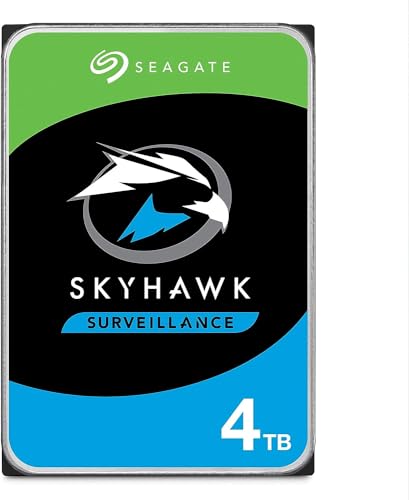


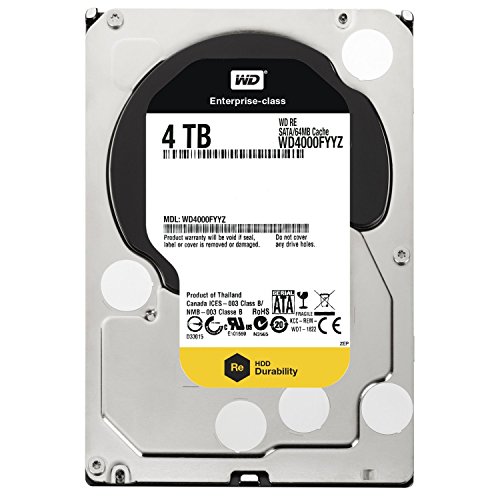


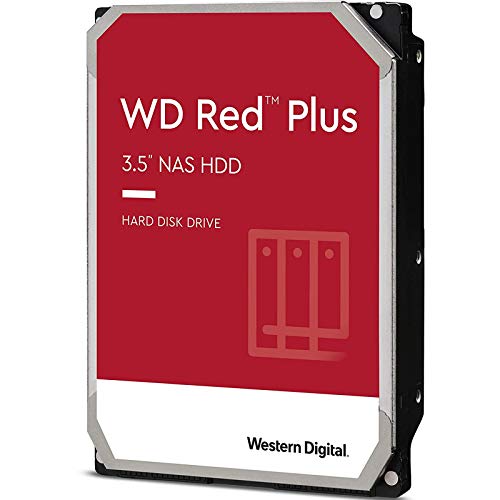


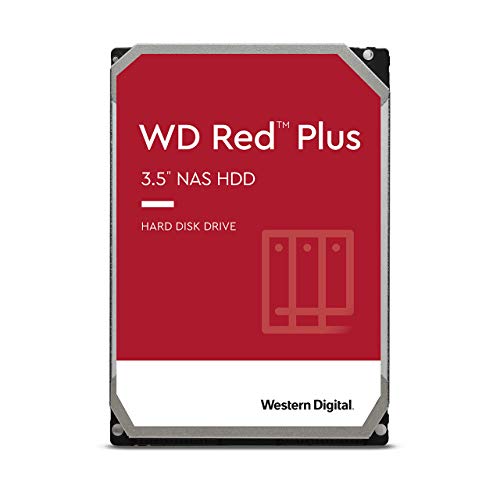


The listing’s condition and last check are shown on each row. Prices and availability may change at checkout.
Is it really a deal?
13 listings are at or near our recorded low. We compare the same Amazon listing and condition against earlier prices we recorded. Near our low means within 3% of that low. An Amazon reference price shows the retailer’s comparison figure. Check the retailer for any current promotion or access requirements.
When 4TB makes the most sense
A 4TB hard drive is often the right replacement size when your current disk has failed and you want the simplest like-for-like or near-like-for-like swap. It also works well if your NAS is used for documents, photos, music, backups, and a moderate amount of shared media rather than large video archives. For many households, 4TB gives enough room to restore breathing space without forcing a full system rebuild.
The key advantage is bay efficiency. If you are currently using two 2TB drives, one 4TB drive can sometimes deliver similar usable capacity with fewer disks installed, depending on your RAID setup and whether you are replacing or adding storage. That can reduce complexity, power draw, heat, and noise. It is especially useful in compact enclosures where bays are limited and every slot matters.
A 4TB drive can also be a practical “bridge” purchase. If you need storage now but expect a bigger upgrade later, buying one affordable 4TB replacement may be better than filling extra bays with small drives that you will soon outgrow. The tradeoff is that you may sacrifice long-term scalability, so this works best when your current usage is steady and predictable.
Check compatibility before you compare prices
Do not assume every 4TB drive is suitable for every NAS or desktop enclosure. Start with the interface. Most consumer NAS drives use SATA, while some enterprise or older systems may need SAS. If your enclosure only accepts SATA, a SAS drive will not be a drop-in choice. Also confirm the physical size, usually 3.5-inch for NAS and desktop hard drives, because 2.5-inch models are a different category.
Next, check whether the drive is intended for NAS use or general desktop use. The manufacturer listing should usually say if the drive is designed for always-on storage, multi-bay systems, or light desktop duty. That matters because NAS devices often run for long periods and may manage vibration differently when several drives sit close together. If the product page does not clearly state its intended use, read the full spec sheet rather than relying on the headline title alone.
You should also verify the capacity formatting. Some listings show raw capacity, while your NAS reports usable capacity after formatting and RAID. A 4TB drive will not show exactly 4TB available inside your system once file system overhead and parity are taken into account. That is normal, but it affects whether one disk is enough or whether you need to plan for the next size up.
One 4TB drive versus several smaller drives
If you are deciding between a single 4TB replacement and multiple smaller drives, think about the system you already have. In a simple two-bay NAS without redundancy, two small drives may seem flexible, but they also use more bays and create more points of failure. A single 4TB replacement can be a cleaner answer if your aim is to restore storage quickly and keep the setup uncomplicated.
RAID changes the calculation. In mirrored arrays, usable capacity is only as large as one drive in the mirror, so replacing two small disks with one larger drive may not give you the increase you expect. In parity-based arrays, drive size should be chosen with future expansion in mind, because the smallest disk in the array can limit usable space. If you know you will keep adding data, it may be better to skip 4TB and move directly to a larger class such as 10TB, 12TB, 14TB, 16TB, 18TB, 22TB or 24TB, depending on your budget and bay count.
A useful rule is to buy 4TB when your present need is modest and your NAS is not expected to grow quickly. Choose a larger drive if you are building a new array, replacing several aging disks at once, or trying to avoid repeated upgrades. Small drives are often cheaper per purchase, but not always cheaper per usable bay over time.
What to verify on the product page and the manufacturer site
Use the seller listing for the basics, then confirm them on the manufacturer’s own specification page. Look for interface type, rotational speed if stated, cache if relevant, the intended workload category, and any NAS compatibility notes. If the listing is vague, the manufacturer page is the better source of truth. That is especially important when a product family includes both desktop and NAS versions with similar names.
Check whether the drive supports the way you intend to use it. For example, a backup disk attached by USB in a DAS enclosure has different needs from a drive that will sit in a NAS and run continuously. If you are planning a NAS rebuild, make sure the drive is compatible with your system’s bay size and that your NAS accepts the drive’s interface and power requirements. If you are buying for a desktop PC, confirm that the system has the right SATA data and power connections and enough physical clearance for a 3.5-inch unit.
Also compare warranty and firmware details directly on the manufacturer site, but only act on what is officially published. If the retailer listing omits a detail, do not guess. For storage, a few missing lines of specification can matter more than the headline capacity.
When a 4TB drive is not the best choice
A 4TB drive is less attractive if you are trying to consolidate a large media library, keep multiple years of backups, or reduce the number of drives in a full NAS. In those cases, larger capacities often make more sense because they leave you with fewer bays consumed for the same overall space. They can also simplify future expansion if your enclosure has room but you do not want to keep adding small disks.
Consider alternatives when your existing usage is already tight. A 10TB or 12TB drive can be a better long-term buy if you want a single replacement that delays the next upgrade cycle. 14TB, 16TB, 18TB, 22TB and 24TB models are more appropriate where the aim is to maximise usable capacity per bay, especially in RAID arrays or multi-user storage. If your system needs SAS rather than SATA, a 2.5-inch SAS hard drive may be a better fit, but only if your hardware supports it. In short, 4TB is the value choice for modest needs and simpler swaps, while larger drives are the better strategic option when capacity growth is the priority.
Frequently asked questions
Is a 4TB hard drive enough for a NAS?
It can be enough for a small household NAS, especially for documents, photos, music, and routine backups. It is less suitable if you expect your library to grow quickly or if you want to keep adding drives for several years.
Should I buy one 4TB drive or two smaller ones?
Choose one 4TB drive if you want a simple replacement and want to save bays. Choose two smaller drives only if your NAS layout, RAID plan, or budget makes that arrangement more practical. Check the usable capacity after RAID before deciding.
How do I know if a 4TB drive will fit my enclosure?
Confirm the interface, usually SATA or SAS, and the drive size, usually 3.5-inch for NAS and desktop use. Then check your enclosure or NAS manual for supported drive types and any compatibility notes from the manufacturer.
When should I skip 4TB and move to a larger drive?
Skip 4TB if you are building a new array, running out of bays, or expect your storage needs to rise soon. In those cases, a larger drive can be better value over time because it leaves more headroom and reduces the need for frequent upgrades.