Black Friday 2026
6TB Hard Drive Black Friday Deals UK 2026
Prices checked
Amazon UK’s 2026 Black Friday sale runs from 19 to 30 November. Black Friday is 27 November. Prices below come from the latest available listing checks.
As an Amazon Associate we earn from qualifying purchases. Prices and availability come from Amazon.co.uk as of the last update and may change.
A 6TB hard drive is often bought for one of two reasons: to replace a failed or aging disk in an existing array, or to add a modest amount of storage without stepping into larger, more expensive capacities. If you are matching drives in a NAS, the safest approach is usually to buy the closest practical replacement that fits the same interface, form factor and compatibility rules rather than chasing the lowest headline price. If you are building a small mirror, 6TB can be enough for media, backups or a family share, but it can also fill faster than expected once photos, phone backups, game installs and duplicated files start stacking up.
Matching Amazon UK listings


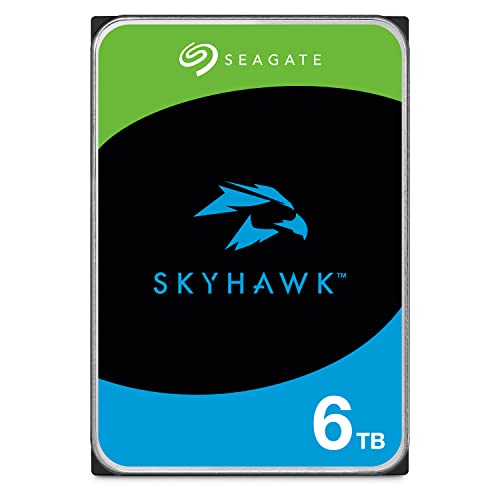
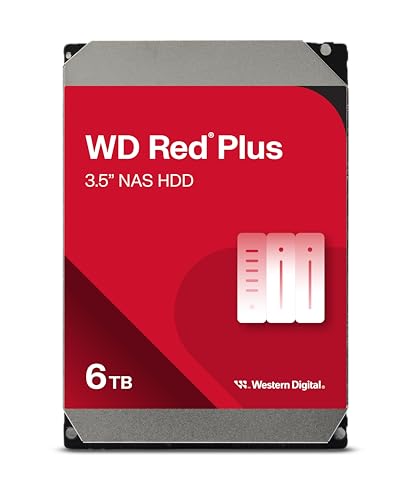


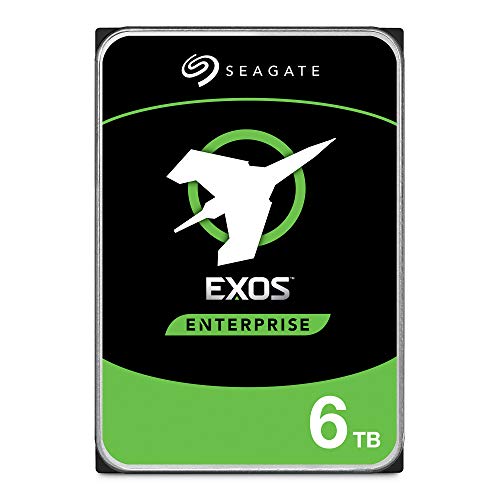


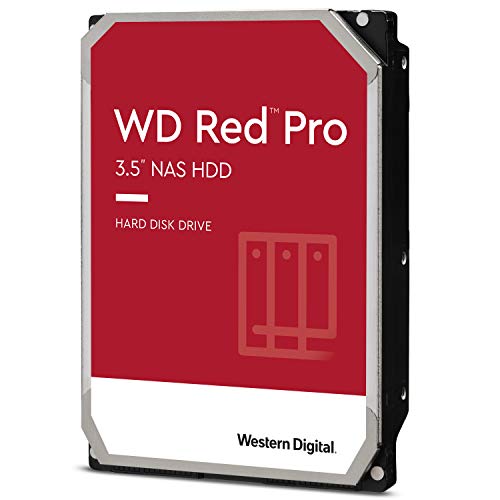


The listing’s condition and last check are shown on each row. Prices and availability may change at checkout.
Is it really a deal?
9 listings are at or near our recorded low. We compare the same Amazon listing and condition against earlier prices we recorded. Near our low means within 3% of that low. An Amazon reference price shows the retailer’s comparison figure. Check the retailer for any current promotion or access requirements.
Start with the job: replacement drive or fresh storage
For an existing RAID or mirrored pair, the first question is whether you need a like-for-like replacement or a capacity upgrade. If a 6TB disk has failed in a mirror, replacing it with another 6TB unit is the simplest route because it keeps the array aligned and avoids unnecessary reshaping or partial upgrades. In many NAS setups, the replacement should also match the drive type and physical size already in use, such as a 3.5-inch SATA drive for a typical home NAS bay.
If you are buying for new storage, 6TB is a sensible middle ground when you want more than a starter drive but do not need a large archive shelf. It works well for a modest two-bay NAS mirror where the usable capacity will be roughly half the raw total, before formatting and file-system overhead. That means a pair of 6TB drives gives you redundancy, not 12TB of usable space, so it is worth checking whether your growth plans justify stepping up now rather than buying twice.
Match the drive to the existing array before you look at price
When replacing a disk in a RAID set, verify the exact requirements from the NAS manufacturer and the current listing. Check interface first. Most consumer and SMB NAS units use SATA, while SAS is a different standard and only fits hardware designed for it. Also confirm the drive size. A 3.5-inch drive is the common choice for NAS bays, while a 2.5-inch model is normally used in laptops, compact enclosures or specialised systems and may need adapters or trays.
Next, check the array rules in the NAS admin guide. Some systems accept a larger replacement drive and later expand the volume, while others are stricter or require the same size to avoid wasting capacity. If you are unsure, a same-capacity replacement is usually the least risky choice. It avoids accidental overbuying and reduces the chance that the array behaves differently after rebuild. This matters more for replacement than for fresh builds, because the priority is continuity rather than optimisation.
If the listing does not clearly state rotational speed, cache, recording type or workload rating, do not assume those details. Instead, compare the model number on the retailer page with the manufacturer’s product page or datasheet. That is the safest way to confirm whether you are buying a mainstream desktop drive, a NAS-focused model, or a specialised unit intended for a different use.
How quickly a modest 6TB mirror can fill up
A mirrored setup can feel spacious at first, but storage use often grows in uneven jumps. A 6TB pair is a good example. Once you account for mirroring, one drive is effectively protecting the other, so the usable space is closer to a single 6TB disk. Then you lose some headroom to formatting and the need to keep free space for performance and rebuild safety. In practice, a “6TB mirror” is not something to plan right up to the edge.
The fill rate depends on what you store. A handful of 4K home videos, phone backups and photo libraries can take a noticeable chunk out of 6TB far faster than documents and spreadsheets. Games and raw camera files can also add up quickly. If your archive includes large media files or multiple family accounts, it is sensible to leave a buffer rather than plan to use every gigabyte. A good rule is to size for the next few years, not only the next few months.
This is where the sibling capacity pages matter. If you are already close to the limit on a 6TB mirror, it may be more practical to compare 10TB or 12TB drives instead of buying another 6TB disk now and facing another upgrade soon after. For very storage-heavy households or content libraries, 14TB, 16TB, 18TB, 22TB or 24TB options may make more sense, even if the initial cost is higher, because they reduce the chance of repeated rebuilds and future bay congestion.
Think about the alternatives only when they solve a real problem
A larger drive is not automatically better. In a two-bay NAS, moving from 6TB to 12TB or 16TB can improve usable capacity, but only if your enclosure, controller and budget all support the change. If you mainly need a single replacement drive, a much larger model can be poor value because the extra space stays unused for a long time. For matched replacements, consistency usually matters more than theoretical growth.
If your setup is not a NAS at all, consider whether a DAS would be simpler. Direct-attached storage can be a better fit when one PC needs local expansion and you do not need shared network access, user permissions or always-on storage. A DAS may also avoid the complexity of RAID management. By contrast, a NAS is better when multiple devices need access, automated backups matter, or you want the storage to live on the network rather than beside one computer.
For specialised hardware, do not cross the streams. A 2.5-inch SAS hard drive is only appropriate if your enclosure specifically supports SAS and the mounting format suits it. A SATA NAS buyer should not assume SAS is a premium upgrade. The right choice is the one that matches the bay, the controller and the intended workload.
Check the listing details that matter before you buy
Before placing an order, compare the listing against the manufacturer’s specifications. Confirm capacity, interface, physical size, and any explicit compatibility notes. If the NAS vendor publishes a compatibility list, use it as a guide, especially for replacement in an existing array. If the drive is intended for a RAID enclosure, it is worth checking whether the manufacturer mentions use in multi-bay systems, always-on operation or NAS compatibility, but only rely on the wording that is actually published.
Also make sure the model number matches exactly. Small changes in a model code can signal a different generation or feature set, and not all 6TB drives are interchangeable in practice. Keep an eye on whether the listing includes the bare drive only, because accessories, caddies or enclosures can change the apparent value. Finally, compare the price against your need for immediate replacement versus planned expansion. A matching replacement is about restoring resilience. A larger alternative is about buying headroom.
Frequently asked questions
Is a 6TB hard drive enough for a small NAS mirror?
It can be, especially for documents, backups and a modest media library. The key point is that a mirrored pair does not double usable space, so a 6TB mirror gives you redundancy, not 12TB of usable storage. If you expect fast growth, a larger drive may be a better long-term fit.
Should I replace a failed 6TB NAS drive with the same size or a bigger one?
For the safest replacement, use the same size and a drive that matches the NAS requirements. A larger drive may work in some systems, but whether you can use the extra capacity depends on the NAS model, RAID level and expansion rules.
Can I use a 6TB desktop drive in a NAS?
Sometimes, but you should verify compatibility first. Check the manufacturer’s NAS support guidance, the drive interface, and whether the model is approved or commonly supported for multi-bay use. If compatibility is unclear, a NAS-oriented model is usually the safer choice for an always-on array.
When is a bigger capacity page a better option than 6TB?
If you are already nearing the limit of a mirrored 6TB setup, or you know your photos, video and backups are growing quickly, it may be more sensible to compare 10TB, 12TB or larger pages now. That can reduce the need for another upgrade soon after the first one.