Black Friday 2026
8TB Hard Drive Black Friday Deals UK 2026
Prices checked
Amazon UK’s 2026 Black Friday sale runs from 19 to 30 November. Black Friday is 27 November. Prices below come from the latest available listing checks.
As an Amazon Associate we earn from qualifying purchases. Prices and availability come from Amazon.co.uk as of the last update and may change.
An 8TB hard drive is often the neatest starting point for a first home NAS pair, or a sensible spare if you want extra room without moving into very large, pricier capacities. The key question is not just “how much does it hold?”, but how much of that space you can actually use once you choose RAID, how many bays you own, and whether the drive is intended for NAS use or for a desktop box. For a small home setup, 8TB can be enough for shared family files, media libraries, camera backups and general archiving, but the usable total changes sharply depending on whether you mirror the drives or use them separately. Before buying, check the exact model page and retailer listing for interface, rotational speed if stated, cache, form factor, and whether the drive is sold as NAS, desktop or enterprise class.
Matching Amazon UK listings


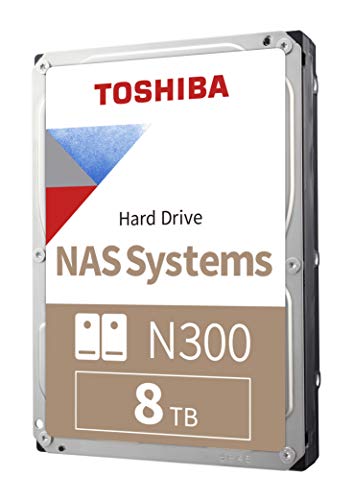


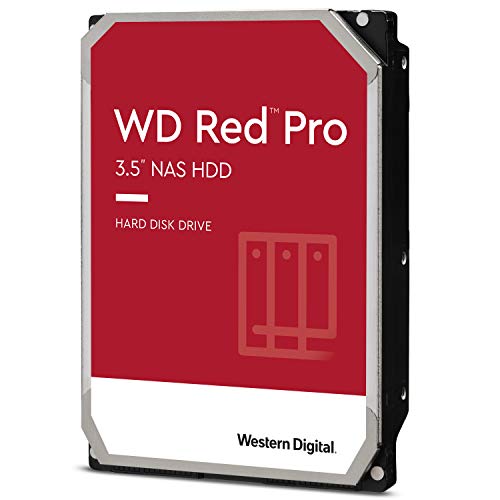

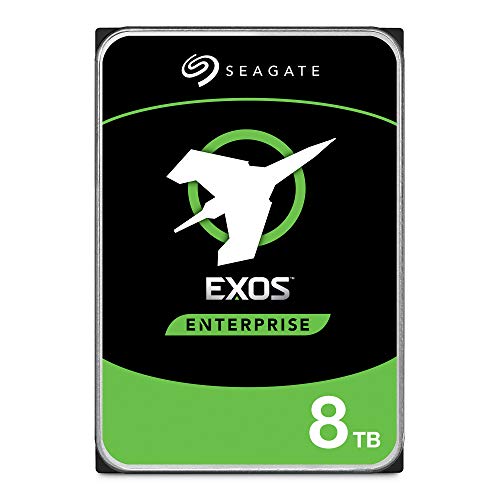


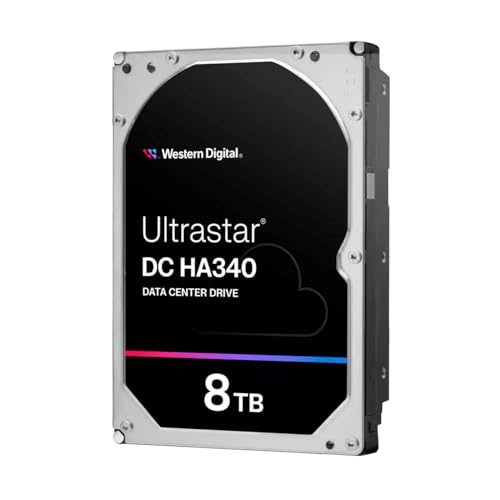
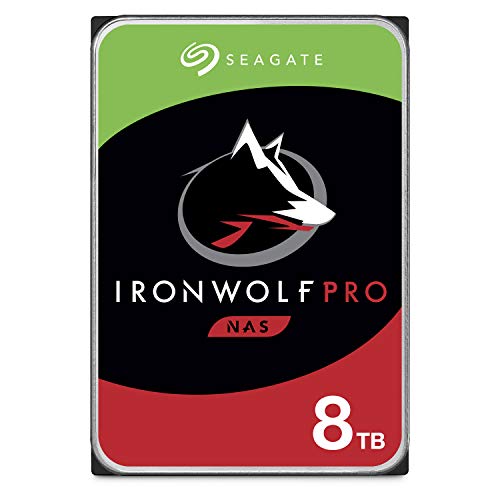
The listing’s condition and last check are shown on each row. Prices and availability may change at checkout.
Is it really a deal?
13 listings are at or near our recorded low. We compare the same Amazon listing and condition against earlier prices we recorded. Near our low means within 3% of that low. An Amazon reference price shows the retailer’s comparison figure. Check the retailer for any current promotion or access requirements.
How much space you really get from 8TB
Eight terabytes sounds straightforward, but usable space depends on the layout. In a two-bay NAS set to RAID1, two 8TB drives still give you only about 8TB of usable storage, because the second drive mirrors the first. That is often the right choice for a first NAS pair because one drive can fail without immediately taking your data with it. If you use the same two drives as separate volumes, or in a RAID0-style arrangement, you can see close to 16TB total, but you lose redundancy and raise the risk of losing everything if one drive fails. For a first home NAS, RAID1 is usually the more conservative choice.
paragraphs:[
When 8TB makes sense as a first home NAS pair
An 8TB pair works well if your main goal is shared storage rather than maximum capacity. Typical examples include family documents, phone photo backups, school files, music libraries and a modest video archive. It also suits buyers who want to learn NAS basics without committing to larger drives. The tradeoff is that future growth may come quickly. If you expect to store lots of 4K video, large game libraries or many device backups, you may outgrow mirrored 8TB drives sooner than you expect. In that case, moving up to 10TB, 12TB or 14TB can be better value per usable terabyte, even though the upfront spend is higher.
paragraphs:[
Spec checks that matter more than the capacity figure
Do not assume every 8TB drive is the same. Check the product page for interface type, usually SATA for home NAS and desktop storage. Confirm the form factor, which is usually 3.5-inch for this capacity. If the listing mentions NAS compatibility, look for wording that indicates 24/7 operation or multi-bay use, but verify the detail on the manufacturer’s page rather than relying on the retailer headline alone. Also confirm the warranty length directly with the manufacturer, because this can differ by series and region. If the listing does not clearly show the model number, compare that model number on the maker’s site so you know you are looking at the right family of drive.
paragraphs:[
NAS vs desktop drives, and when a spare is the better buy
A NAS-labelled drive is usually the safer fit for a network storage box because it is intended for multi-drive environments. A desktop drive may still work in a simple NAS, but the manufacturer may not position it for the same workload pattern or support scenario. If you are buying an 8TB unit as a spare, the best use is often as a matching replacement for an existing drive model or as a backup disk kept offline. An offline spare is useful because it can be installed quickly if a drive fails, and it avoids the constant wear of a live bay. If you only need a temporary clone or a removable backup, a DAS enclosure can be the better alternative because it is simpler and does not require network setup.
paragraphs:[
Choosing between 8TB and the nearby larger options
If 8TB feels tight once mirrored, step up rather than stretching the same capacity too thin. 10TB and 12TB models are often the next sensible comparisons for a first NAS pair because they preserve the same basic use case while giving more usable room after RAID. 14TB and 16TB make more sense when you know your archive will keep expanding, or when you want fewer drive upgrades later. 18TB, 22TB and 24TB are usually better for larger households, media collections or multi-user NAS boxes where expansion plans matter more than entry cost. By contrast, a 2.5-inch SAS drive is a different category altogether and is generally not the right comparison for a normal home NAS, which typically expects 3.5-inch SATA drives and compatible bays or controllers.
paragraphs:[
Frequently asked questions
Is two 8TB drives enough for a first home NAS?
Yes, if your goal is a simple mirrored setup for files, photos and backups. In RAID1 you get around 8TB usable, not 16TB, so check that this is enough for your long-term storage needs.
Should I buy an 8TB NAS drive or a desktop drive?
For a NAS, a NAS-class drive is usually the better fit. It is designed with multi-drive use in mind, but you should still confirm the exact model details on the manufacturer’s page and the retailer listing before buying.
What should I verify before ordering?
Check the model number, interface, form factor, warranty terms and whether the drive is intended for NAS or desktop use. If you are matching an existing drive, make sure the model family is the same or fully compatible with your enclosure.
When is a larger drive a better choice?
If mirrored 8TB would leave you short on room soon, 10TB, 12TB or larger may be the better long-term buy. It can reduce the need to replace drives later and may suit your growth plans more comfortably.