Black Friday 2026
Hard Drive Black Friday Deals UK 2026
Prices checked
Amazon UK’s 2026 Black Friday sale runs from 19 to 30 November. Black Friday is 27 November. Prices below come from the latest available listing checks.
As an Amazon Associate we earn from qualifying purchases. Prices and availability come from Amazon.co.uk as of the last update and may change.
Choosing an internal hard drive is mainly about matching the drive to the job, not chasing the lowest label price. For a PC, backup box or NAS, the best value usually comes from the right mix of capacity, interface, workload rating, and recording technology. The live listings on this page help you compare options by those details, while the manufacturer page and product listing should be used to confirm the exact model code, capacity, cache, rotation speed where stated, interface, and whether the drive is new, recertified or used. If you only need a general-purpose drive, compare broadly. If you already know the capacity you want, the dedicated 10TB, 12TB, 14TB, 16TB, 18TB, 22TB or 24TB pages will usually be a better fit because value often changes sharply by size.
Matching Amazon UK listings


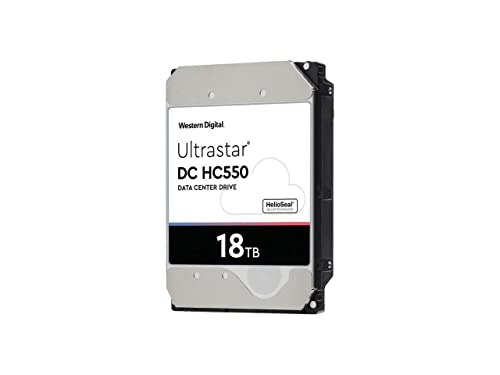


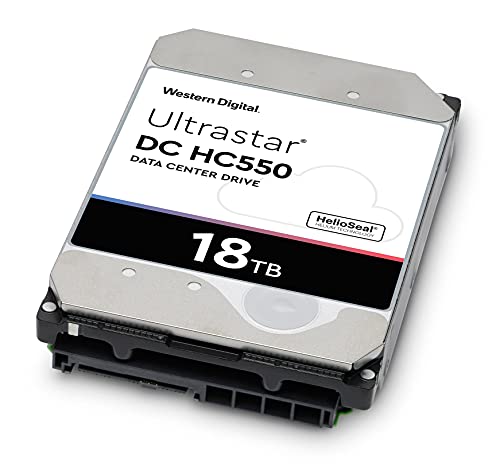


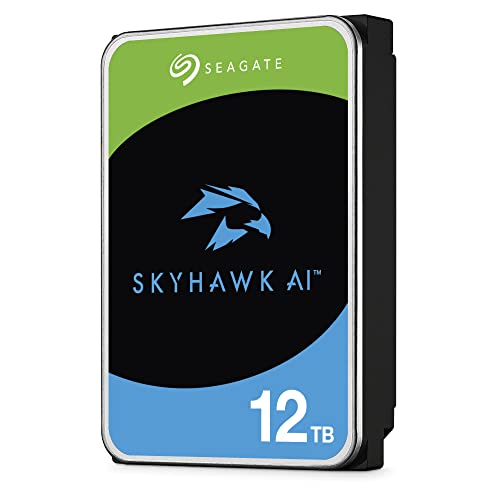
The listing’s condition and last check are shown on each row. Prices and availability may change at checkout.
Is it really a deal?
15 listings are at or near our recorded low. We compare the same Amazon listing and condition against earlier prices we recorded. Near our low means within 3% of that low. An Amazon reference price shows the retailer’s comparison figure. Check the retailer for any current promotion or access requirements.
Start with the intended use, not just the capacity
The best internal HDD for a desktop, backup target, media library or NAS can be different even when the capacity is the same. A general PC drive is often chosen for quiet operation and light everyday writes, while a NAS drive is usually selected for 24/7 use and multi-drive enclosures. If you are building a simple external backup box or a second storage disk in a desktop, a standard desktop drive may be enough. If the drive will live in a multi-bay NAS and handle frequent access from several users, look for models intended for NAS or server duty and confirm that the listing says so rather than assuming from the brand alone.
paragraphs2?
Check interface and physical fit before comparing prices
For most buyers, SATA is the default internal HDD interface and is usually the simplest choice for desktops and many NAS units. If the listing shows SAS instead, that is only useful if your controller or enclosure supports SAS, which many consumer systems do not. Do not buy on price alone if the interface will not work in your machine. Also check whether the drive is 3.5-inch or 2.5-inch, because the form factor affects fit, mounting and often capacity options. The related 2.5-Inch SAS Hard Drive page is the better choice if your system specifically needs that smaller enterprise format, while this page is for comparing broad internal HDD value across common use cases.
paragraphs2?
Use condition and seller wording to judge value
A lower price can mean a used, recertified, refurbished or bulk-pulled drive rather than a new retail unit. That can be acceptable for low-risk storage, but it changes the value calculation because you should confirm what condition is actually being sold, whether accessories are included, and whether the listing clearly identifies the exact model. For storage drives, model code matters more than marketing name. Two drives with the same capacity may differ in cache, intended workload, or recording method. Check the manufacturer spec sheet for the precise model number shown in the listing, then compare that with the seller description so you know whether you are buying a fresh retail drive, an OEM unit, or a return that has been recertified. If you are putting the drive into a backup role, a used or recertified unit may be acceptable if the listing is clear, but for a main data store many buyers prefer a new drive with a straightforward return policy and full documentation from the seller.
paragraphs2?
Understand recording technology and why it affects value
Hard drives at the same capacity can use different recording methods. Conventional magnetic recording, often referred to as CMR, is generally the safer choice for mixed writes, RAID arrays and NAS workloads because performance is usually more predictable when the drive is repeatedly written to. Shingled magnetic recording, often referred to as SMR, can still be useful for lighter-duty archive storage or a drive that is written to infrequently, but it is less attractive where sustained or repeated writes matter. The key point is not that one is always better, but that the best value depends on how you will use the disk. Before buying, verify the recording type on the manufacturer page or in the detailed listing, because it is not always obvious from the title alone. If you are building a NAS or software RAID set, a CMR model is often the more sensible buy even when the upfront cost is a little higher.
paragraphs2?
Compare total cost per usable terabyte and choose the right alternative page when needed
A larger drive is not automatically better value if your system cannot use the extra space or if you need several smaller disks for redundancy. Compare the price per terabyte only after you have checked the interface, condition, recording method and your enclosure limits. For example, a single large HDD can be simpler for media storage, but two smaller drives may be a better fit if you want mirroring or separate backup sets. If your target capacity is already fixed, use the sibling pages for 10TB, 12TB, 14TB, 16TB, 18TB, 22TB or 24TB to focus on the most relevant options instead of scanning every drive here. If your workload needs SAS, the 2.5-Inch SAS Hard Drive page is the better route because SAS support and chassis compatibility matter more than broad price comparison. That way, you avoid paying for capacity or features you do not need and reduce the chance of buying a drive that is inconvenient to install or unsuitable for the workload.
paragraphs2?
Frequently asked questions
How do I check whether a hard drive is suitable for my NAS or desktop?
Match the interface, form factor and recording type to your system. Then confirm the exact model number on the manufacturer site and compare it with the listing description. If the drive will be used in a NAS or RAID array, CMR is usually the safer choice than SMR.
Is a cheaper used or recertified hard drive always poor value?
Not necessarily. It can be good value for backups or non-critical storage if the listing is clear about condition and the model is suitable. For primary data storage, many buyers still prefer a new drive with straightforward seller information and documentation.
When should I choose SAS instead of SATA?
Choose SAS only if your controller, backplane or enclosure supports it. SAS is typically a specialist choice for compatible servers or enterprise hardware. If you are using a normal desktop or consumer NAS, SATA is usually the practical option.
Why use the size-specific pages instead of this broad page?
If you already know the capacity you want, the dedicated 10TB, 12TB, 14TB, 16TB, 18TB, 22TB or 24TB pages make comparison easier. This page is better when you want to compare internal HDD value across different capacities, interfaces, conditions and recording technologies.