Black Friday 2026
WD Red Plus Black Friday Deals UK 2026
Prices checked
Amazon UK’s 2026 Black Friday sale runs from 19 to 30 November. Black Friday is 27 November. Prices below come from the latest available listing checks.
As an Amazon Associate we earn from qualifying purchases. Prices and availability come from Amazon.co.uk as of the last update and may change.
WD Red Plus is the safer starting point for most home and small-office NAS buyers, but only if the exact model matches your needs. Before you choose, check the capacity, the interface, the rotational speed class if listed, and the recording technology stated by the seller or manufacturer. The key question is not just whether it says Red Plus, but whether you are buying the right NAS drive for your bay count, workload and budget. If you are building a matched set, compare it directly with Red Pro by intended workload rather than by brand name alone.
Matching Amazon UK listings
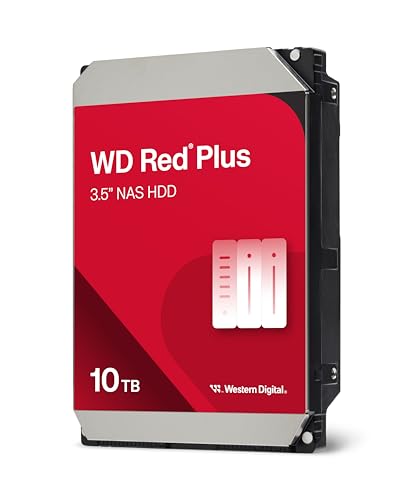


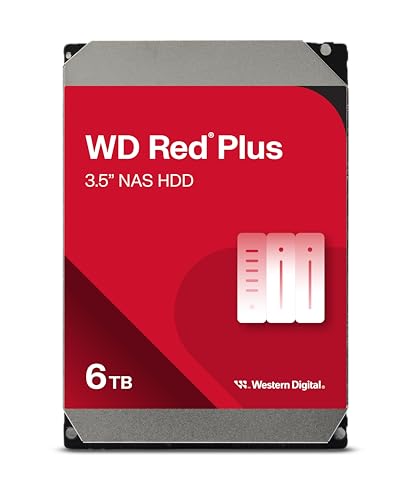


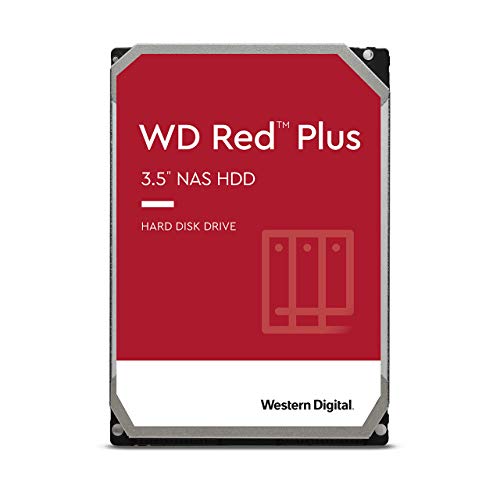


The listing’s condition and last check are shown on each row. Prices and availability may change at checkout.
Is it really a deal?
10 listings are at or near our recorded low. We compare the same Amazon listing and condition against earlier prices we recorded. Near our low means within 3% of that low. An Amazon reference price shows the retailer’s comparison figure. Check the retailer for any current promotion or access requirements.
1) Start with the workload, not the badge
Red Plus is generally aimed at NAS use where the drive will spend a lot of time powered on and may be handling multiple clients, shared folders and regular backups. That makes it a sensible choice for most two-bay to eight-bay home NAS systems, provided the rest of your setup is modest and you are not pushing the array with constant heavy writes.
If your NAS will mainly store media, family files, Time Machine backups or office documents, Red Plus is usually the first model to check. If the drive will sit in a box that is rewritten heavily, rebuilt often, or used for more demanding multi-user duties, Red Pro may be the better comparison point. The tradeoff is straightforward: Red Plus typically suits lower-intensity NAS use, while Red Pro is the closer fit when workload tolerance matters more than purchase cost.
Do not choose by capacity alone. A 12TB NAS drive and an 18TB NAS drive can both be right or wrong depending on how many bays you have, how much redundancy you want, and how quickly you expect the array to fill. Use the manufacturer’s compatibility notes, then match the drive to the job rather than the headline capacity.
2) Verify the exact recording technology before you buy
With WD drives, the same family name can hide important differences. Check the product page and the model number to confirm the exact recording technology, because that can affect how you compare one drive with another. For a NAS buyer, the relevant check is whether the seller and manufacturer both state the same technology for that exact SKU, not just a broad family description.
This matters because recording technology can differ by capacity and revision. A listing may say Red Plus, but the detailed specification sheet is what tells you whether the exact drive you are ordering is the one you expected. Read the full model code, then cross-check it on WD’s product page and any downloadable datasheet. If a listing omits the model number, treat that as a sign to verify more carefully before purchasing.
Also check whether the listing is for a bare drive or a packaged accessory bundle. NAS buyers sometimes assume every Red Plus listing is identical, but differences in region code, retail pack, or included accessories can matter when you are trying to match a set. If you want identical drives for RAID, use the same model code, same capacity and ideally the same batch range where possible.
3) Compare Red Plus with Red Pro by how the array will be used
A matched set is often the best way to buy for RAID, especially if you want predictable behaviour during rebuilds or expansion. If you are comparing Red Plus against Red Pro, focus on the workload you expect over the life of the array. Red Plus is often the cleaner value choice when you want a practical NAS drive for occasional writes and continuous availability. Red Pro makes more sense if you want a drive family positioned for more intensive use and you accept the higher cost for that headroom.
For example, a two-bay NAS used for home backups and photos usually does not justify paying extra for a more intensive workload class. By contrast, a small business NAS shared by several users, or a box that stores active project files and gets rebuilt occasionally, can make Red Pro worth comparing seriously. In both cases, make sure your NAS chassis supports the capacity and physical size of the drive you choose.
If you are buying two or four drives at once, matching them is more important than chasing one slightly cheaper unit. Mixed models can still work in many NAS systems, but capacity planning becomes less tidy and replacement behaviour is harder to predict. For RAID, one consistent set from the same product family is usually easier to manage.
4) Check interface, bay fit and cost per usable terabyte
Before ordering, confirm the interface is compatible with your NAS, usually SATA for this class of drive. Also check whether your enclosure accepts the physical drive size you are buying, and whether any drive tray or vibration considerations apply to larger capacities. The listing should show basic compatibility details, but the NAS manufacturer’s support page is the final place to verify.
Then compare total storage cost, not just sticker price. A larger drive may look expensive, but the cost per usable terabyte can improve once you account for RAID. For example, in a mirrored two-bay system, the usable space is roughly half of the raw capacity. In a parity-based array, the usable amount depends on the number of bays and the RAID level, so the economics can change quickly as you move from 10TB to 18TB drives.
This is where the related alternatives become useful. WD Purple is usually the alternative to check if the drive is for surveillance recording rather than general NAS storage. WD Ultrastar HC550 is more of a data-centre style option and may be relevant if your workload is closer to enterprise bulk storage than a normal home NAS. If you simply need a capacity target, the 10TB, 12TB, 14TB, 16TB and 18TB drive pages let you compare total system cost across sizes.
5) Use the listing details to avoid a mismatch
When you find a WD Red Plus listing, read it as a specification exercise. Confirm the capacity, model number, interface, form factor and any vendor notes, then compare those with WD’s own datasheet. If the seller lists multiple capacities on one page, make sure the selected option updates every detail, not just the title.
Check the timestamp and the site’s price history alongside the model details, but do not assume a lower price makes the drive the right one. The cheapest compatible option is only good value if it is the correct SKU for your NAS and workload. If you are upgrading an existing array, keep the old drive model in mind so that replacement and expansion remain straightforward.
As a rule, choose Red Plus when you want a general-purpose NAS drive and you have verified the exact recording technology and model code. Move up to Red Pro if your workload is heavier and the extra headroom is genuinely useful. Step aside to Purple or Ultrastar only when the use case is clearly different from standard NAS storage.
Frequently asked questions
Is WD Red Plus the same as Red Pro?
No. They are related NAS families, but they target different workload expectations. Compare them by how hard the array will be worked, not just by the name on the label.
How do I confirm the exact drive I am buying?
Check the full model number, capacity, interface and the recording technology on both the seller listing and WD’s product page or datasheet. Do not rely on the title alone.
Should I buy a matched set for RAID?
Usually yes. A matched set makes expansion, replacement and troubleshooting simpler, and it reduces the chance of accidental capacity or model mismatches.
When is a different alternative better?
Choose WD Purple for surveillance-focused recording, WD Ultrastar HC550 for more enterprise-like bulk storage, or a capacity-specific page such as 12TB or 16TB if your decision is mainly about system size and cost.